
Nissan Rogue Owners Manual: SPORT mode switch
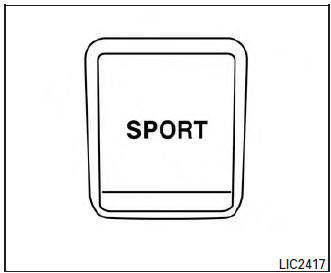
SPORT mode switch
Adjusts the engine and transmission points to enhance performance. Press the SPORT button on the instrument panel to activate. “SPORT� appears in the speedometer for two seconds.
NOTE: In the SPORT mode, fuel economy may be reduced.
 All-wheel drive (AWD) lock switch (if so equipped)
All-wheel drive (AWD) lock switch (if so equipped)
The all-wheel drive (AWD) lock switch is locaton the instrument panel. The
AWD LOCK indicator
light will illuminate when the switch is turned ...
 Hill descent control switch (if so equipped)
Hill descent control switch (if so equipped)
WARNING
Never rely solely on the hill descent
control system to control vehicle speed
when driving on steep downhill grades.
...
Other materials:
Key switch signal circuit (without intelligent key)
Description
Transmits a key switch signal to the BCM.
Component Function Check
1. CHECK BCM INPUT SIGNAL
Select "Data Monitor" for "BCM" and check the "KEY ON SW" monitor value.
Is the inspection result normal?
YES >> Inspection End.
NO >> Refer ...
Cleaning exterior
In order to maintain the appearance of your vehicle,
it is important to take proper care of it.
To protect the paint surfaces, please wash your
vehicle as soon as you can:
after a rainfall to prevent possible damage
from acid rain
after driving on coastal roads
when ...
Parking brake switch
Removal and Installation
REMOVAL
Remove the instrument lower panel LH. Refer to IP-22, "Removal and
Installation".
Disconnect the harness connector from the parking brake switch.
Refer to PB-7, "Exploded View".
Remove the screw and remove the park ...
