
Nissan Rogue Owners Manual: Vehicle Information Display
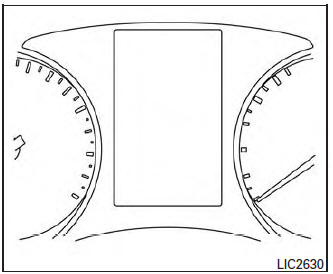
The vehicle information display is located to the left of the speedometer. It displays such items as:
- Vehicle settings
- Trip computer information
- Drive system warnings and settings (if so equipped)
- Cruise control system information
- NISSAN Intelligent Key® operation information
- Chassis Control
- Indicators and warnings
- Tire Pressure informati
- How to use the vehicle information display
- Settings
- Vehicle information display warnings and indicators
 Audible reminders
Brake pad wear warning
The disc brake pads have audible wear warnings.
When a disc brake pad requires replacement, it
makes a high pitched scraping sound when the
vehicle is in motion, whether o ...
 How to use the vehicle information display
The vehicle information display can be changed
using the buttons and ENTER located
on
the steering wheel.
— navigate through the
items in vehicle
information
ENTER — chan ...
Other materials:
ECU diagnosis information
DIAGNOSIS SENSOR UNIT
DTC Index
DIAGNOSTIC CODE CHART
NOTE:
Follow the procedures in numerical order when repairing malfunctioning parts.
Confirm whether malfunction is
eliminated using air bag warning lamp or CONSULT each time repair is finished.
If malfunction is still
observed, proceed ...
EPS warning lamp
Component Function Check
1.CHECK THE ILLUMINATION OF THE EPS WARNING LAMP
Check that the EPS warning lamp turns ON when ignition switch turns ON. Then,
EPS warning lamp turns
OFF after the engine is started.
Is the inspection result normal?
YES >> Inspection End.
NO >> Perfor ...
B142X collision detection
Description
DTC B1209 - B1211 COLLISION DETECTION
The air bag diagnosis sensor unit will set this DTC if it has detected a
collision which has resulted in a deployment
of one or more air bags or pre-tensioners. If this DTC is detected after a SRS
repair, the air bag diagnosis
sensor unit has ...
